
TeachAny
- October 12, 2026
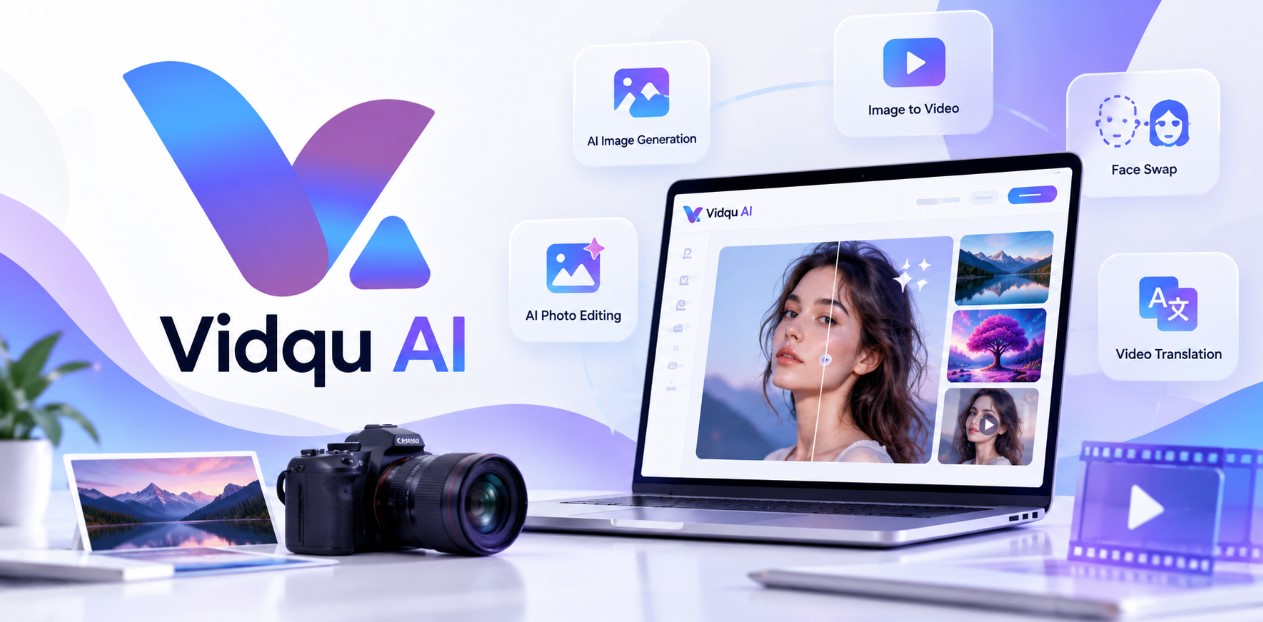
Vidqu AI is an online artificial intelligence platform offering a collection of tools for creating, editing, and transforming visual content. It is designed for users who want to work with AI-powered images and videos without needing advanced editing experience.
The platform provides tools such as AI image generation, image-to-video creation, face swapping, AI photo editing, video translation, image animation, and other creative AI features. Its online photo editor can perform tasks such as removing objects, changing backgrounds, retouching images, transferring styles, and making other edits through text prompts.
Vidqu can be useful for content creators, social media users, marketers, designers, and people experimenting with generative AI. According to Vidqu’s About information, its team has experience with video-related technologies dating back to 2004, and the platform reports serving users across more than 200 countries.
Some tools can be accessed for free, while additional capabilities and higher usage limits are available through its credit and subscription options. Users who need product assistance or have business inquiries can contact Vidqu through its online contact form or support email.
There are no reviews yet.