
Games
Naruto Senki APK and Download Guide for Beginners

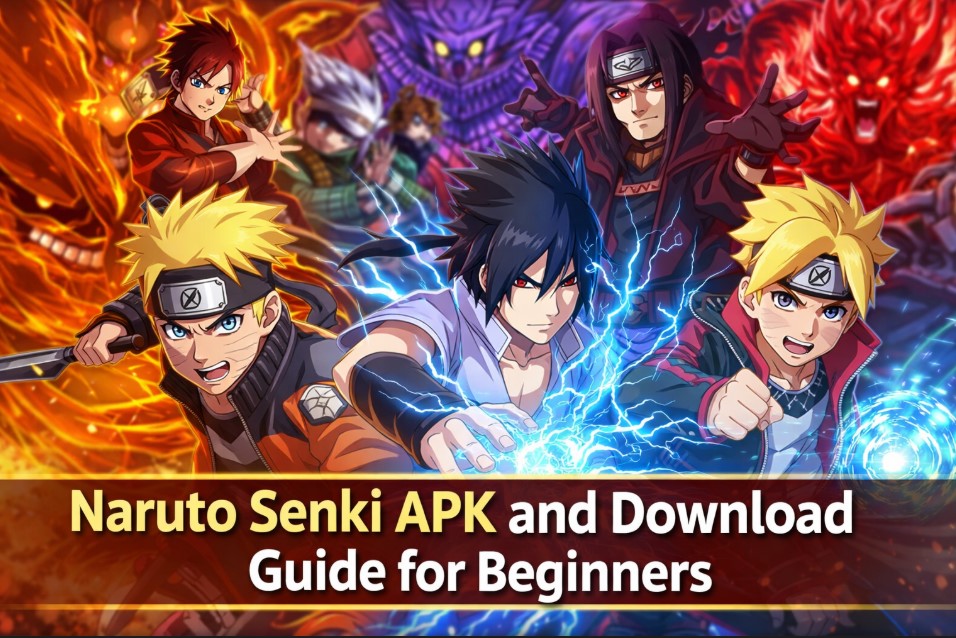
Mobile anime-based games appeal to a wide audience because they combine familiar characters with straightforward gameplay. One such game that continues to gain attention among fans is Naruto Senki. Many beginners search for clear information about how the game works, how it is distributed, and what to expect before installing it. This guide is written for new players who want a basic understanding without confusion or technical language.
What the Game is About
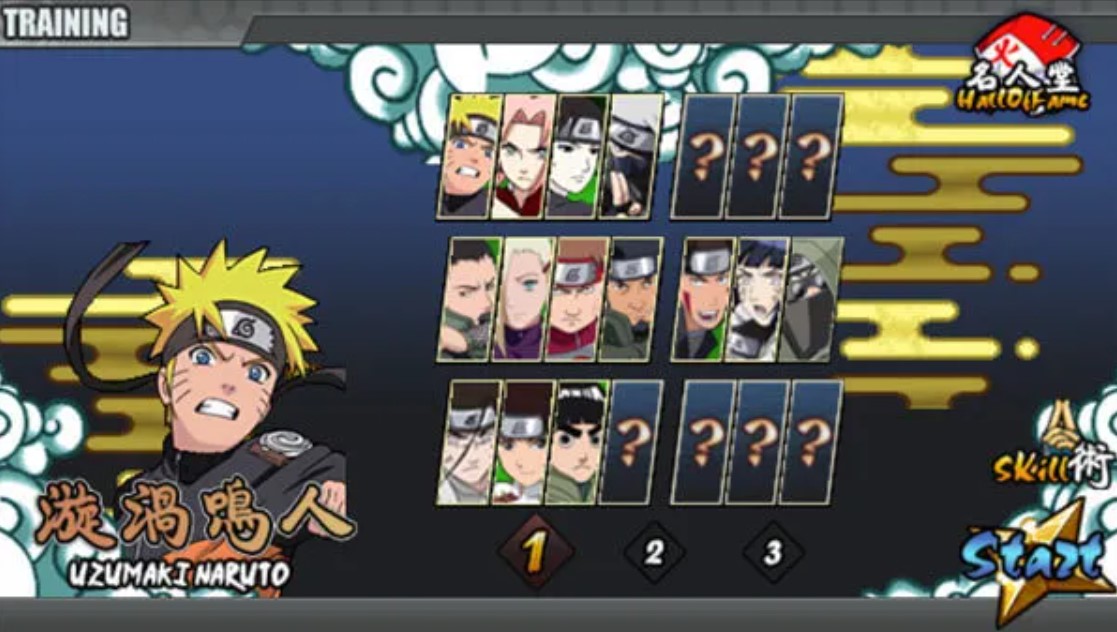
Naruto Senki is a 2D action game inspired by characters and settings from the Naruto anime series. The gameplay usually focuses on side-scrolling battles where players control characters, defeat enemies, and complete missions. Unlike large commercial titles, this game is lightweight and designed to run on many Android devices.
Players often enjoy it because of its simple controls and familiar characters. The game does not require constant internet access, which makes it appealing to users who prefer offline play. Since it is not always available through official app stores, many users look for alternative ways to access it.
Why Beginners Search for APK Versions
An APK file is the installation format used by Android devices. Some games are shared in this format when they are not published on mainstream app platforms. A Naruto Senki APK allows users to install the game manually rather than downloading it directly from an app store.
This approach is common for independent or fan-made games. Beginners should understand that APK files are not automatically unsafe, but they do require extra attention. Knowing where the file comes from and how to install it correctly is essential for device safety.
Basic Gameplay Overview
Before installing any game, it helps to understand what kind of experience it offers. The gameplay usually includes the following elements:
- Selection of characters with different abilities
- Side-scrolling stages with enemies and obstacles
- Simple attack and movement controls
- Boss battles at certain points
- Offline play without account registration
The focus is on action rather than complex story progression. This makes the game easy to start but still engaging for casual players.
Check out: Exploring Animated Film Techniques: A Beginner’s Guide
Device Requirements & Compatibility
Most versions of the game are designed to run on older and newer Android devices. However, compatibility can still vary depending on screen size, operating system version, and hardware performance. Beginners should ensure their device meets basic requirements such as sufficient storage space and an updated Android system.
Older devices may experience slower performance if the version includes enhanced graphics or additional characters. Checking user feedback about performance can help set expectations before installation.
How Installation Process Works
Installing a game through an APK file requires a few extra steps compared to standard app installations. Beginners should understand this process clearly to avoid confusion. The general steps include enabling app installation from unknown sources, locating the downloaded file, and completing the setup through the device’s package installer.
This process does not require advanced technical knowledge, but it does require careful attention. Users should read permission requests during installation and avoid granting access that seems unrelated to the game’s function.
Safety Considerations for Beginners
Safety is a major concern for users who are new to APK installations. Files obtained from unreliable sources may contain unwanted software. To reduce risks, beginners should follow basic safety practices such as using antivirus tools, avoiding modified files with unclear descriptions, and reading comments or reviews where available.
Understanding that responsibility lies with the user when installing files outside official stores is important. This awareness helps prevent common mistakes and protects personal data.
Understanding Updates & Versions
Games distributed outside app stores do not update automatically. This means players must manually install newer versions when they become available. Updates may include bug fixes, new characters, or improved performance.
Beginners should understand that installing a newer version usually requires downloading a new file and repeating the installation steps. In some cases, uninstalling the older version first may be necessary to avoid conflicts.
Common Beginner FAQs
Many new players have similar questions when starting. Below are some common concerns explained in simple terms.
- Will the game work offline? Most versions are playable without an internet connection.
- Is the game free? The game is generally shared without cost.
- Does it need an account? No account registration is typically required.
- Can progress be saved? Save features depend on the version used.
Knowing these basics helps beginners decide whether the game fits their preferences.
Differences Between Versions
Not all versions of the game are the same. Some include additional characters, improved graphics, or adjusted difficulty levels. Beginners should understand that differences exist and that not every version offers the same experience.
Version descriptions usually mention what has changed. Reading these details helps users choose a version that matches their expectations and device capabilities.
Storage & Performance Tips
Even though the game is relatively small, performance can still be affected by limited storage or background apps. Beginners can improve gameplay by closing unused applications, freeing storage space, and restarting the device before playing.
These simple steps help ensure smoother performance and reduce the chance of crashes during gameplay.
Legal & Ethical Awareness
Beginners need to understand that fan-made games operate in a gray area. They are often created by independent developers and shared freely among fans. Users should respect intellectual property laws in their region and be aware that such games may not be officially licensed.
This awareness does not require legal expertise but encourages responsible use and realistic expectations.
Tips for First-time Players
Starting any new game can feel overwhelming. These basic tips can help beginners enjoy the experience:
- Start with the easier stages to learn controls
- Test different characters to understand their abilities
- Avoid rushing through levels
- Save progress when possible
- Explore settings to adjust controls or graphics
Taking time to learn improves enjoyment and reduces frustration.
Downloading the Game Responsibly
Many beginners search for Naruto Senki download options without understanding the importance of responsible sources. Choosing reputable platforms and avoiding suspicious links is essential. A careful approach reduces the risk of installing unwanted software.
Understanding the steps involved before starting a Naruto Senki download helps users feel more confident and prepared.
Final Thoughts
This guide aims to provide clear and practical information for those new to the game. Naruto Senki remains popular because of its simple design and connection to a well-known anime. Beginners who take time to understand installation, safety, and gameplay basics are more likely to have a positive experience.
By learning how the Naruto Senki APK format works and following safe practices, new players can explore the game with confidence. With realistic expectations and basic preparation, the game can offer enjoyable entertainment without unnecessary complications.
Read about: How You Can Support Your Favorite Anime Creators



Choosing Estal: When Standard Glass Actually Helps Your Brand

Large Format Kitchen Tiles: Redefining Space and Visual Continuity

The Full Breakdown: What International Travel Insurance Covers in Medical Emergencies?

What Exactly Happens After a Peace Bond Expiration?