Tech
Manav Sampada UP Login – 2 Minutes Guide

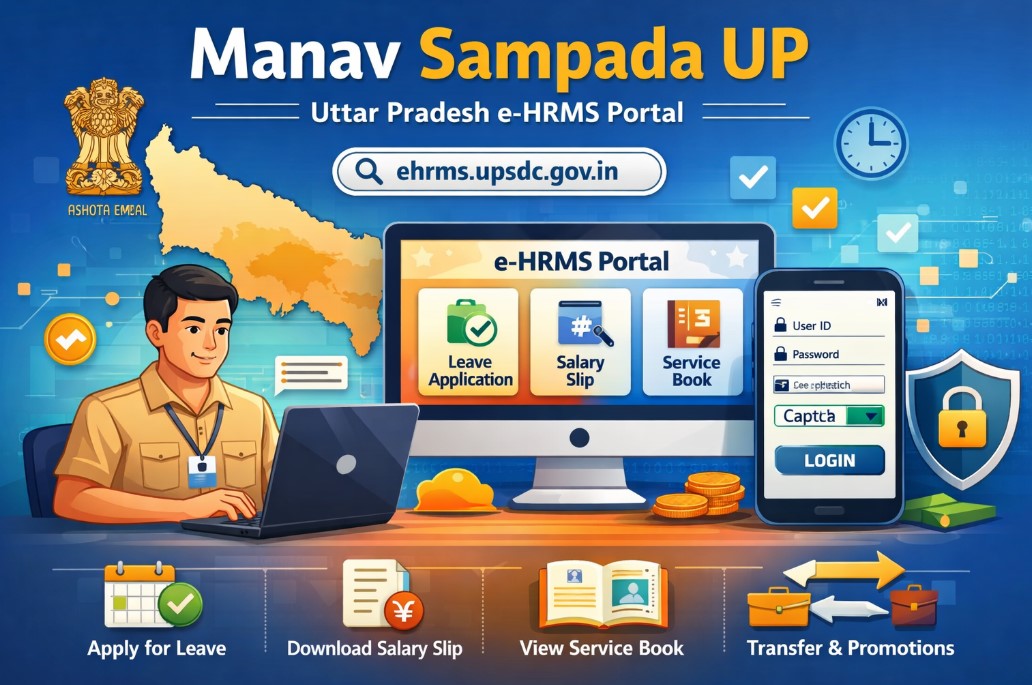
Manav Sampada UP is the official Human Resource Management System (HRMS) portal for Uttar Pradesh government employees. It simplifies daily HR tasks like leave applications, salary slips, service book access, and more. The portal runs at ehrms.upsdc.gov.in (also referred to as ehrms upsdc gov in).
This quick guide explains everything you need to access and use manav sampada login efficiently.
What is Manav Sampada UP?
Manav Sampada UP is an eHRMS platform developed by the National Informatics Centre (NIC) for the Uttar Pradesh government. It digitizes employee records and services across departments.
Government employees use manav sampada to:
- Apply for leave and track approval status
- Download salary slips and view payroll details
- Access their digital service book
- Update personal information
- Handle transfers, promotions, and other requests
The current official address is ehrms.upsdc.gov.in up. Always use this link to avoid fake websites.
Benefits of Using Manav Sampada Portal
- Paperless process: Submit requests online instead of physical forms.
- 24/7 access: Check details anytime from home or office.
- Transparency: Track application status in real time.
- Time-saving: Complete tasks in minutes that once took days.
- Mobile-friendly: Works on smartphones and computers.
Over a million UP government employees already use this system for daily HR needs.
How to Do Manav Sampada Login (Step-by-Step)
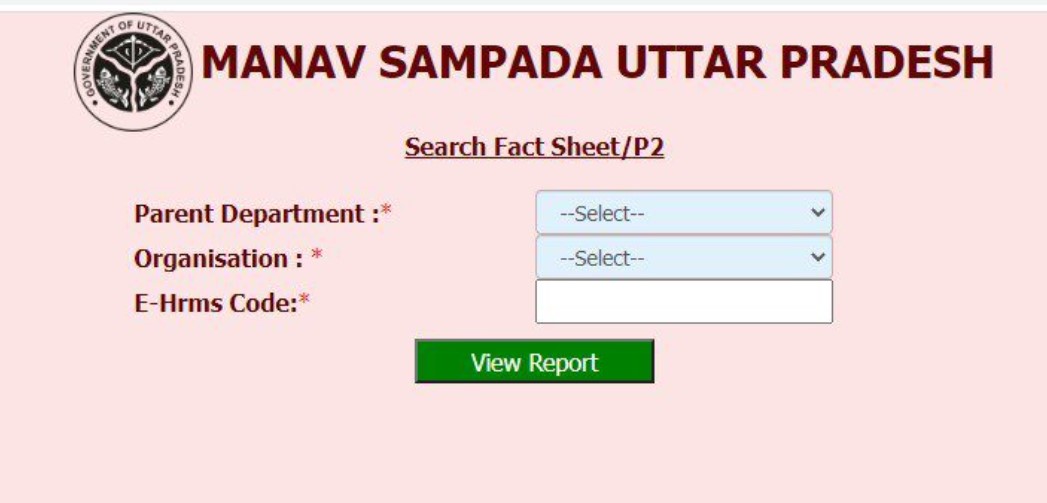
Follow these simple steps for manav sampada login:
- Open your browser and visit ehrms.upsdc.gov.in
- On the homepage, click on the eHRMS Login option (usually in the top right).
- Select your User Department from the dropdown list (e.g., Basic Education, Police, Medical, etc.).
- Enter your User ID (Employee Code) and Password.
- Type the Captcha code shown on the screen.
- Click Login.
- You may receive an OTP on your registered mobile number. Enter it to complete login.
That’s it — you should now see your dashboard. The entire manav sampada login process usually takes under 2 minutes.
How to Register on Manav Sampada UP
New employees do not register themselves. Registration happens through the department:
- Contact your department’s HR or Establishment Section.
- Provide required documents (Employee Code, Aadhaar, mobile number, etc.).
- The admin creates your account and shares the User ID and initial password.
- Log in for the first time and change your password immediately.
Note: There is no public self-registration link on ehrms.upsdc.gov.in up. Always go through your department office.
How to Reset Forgotten Password (Manav Sampada Login Recovery)
If you forget your password:
- Go to ehrms.upsdc.gov.in
- Click on eHRMS Login.
- Select your department.
- Click the Forgot Password link.
- Enter your User ID and Captcha.
- Verify details and submit.
- A new temporary password is sent to your registered mobile number.
- Log in with the temporary password and change it immediately.
Keep your mobile number updated in the portal to receive OTPs and password resets easily.
Key Services Available After Manav Sampada Login
Once logged in, you can access these main features:
Leave Management
- Apply for Casual Leave, Earned Leave, Medical Leave, etc.
- Check leave balance.
- Track application status.
- Upload supporting documents if needed.
Salary and Payroll
- Download monthly salary slips.
- View payslip history.
- Check deductions and net pay.
Service Book
- View complete digital service record.
- Update personal and family details.
- See transfer/promotion history.
Other Services
- Tour application and approval.
- Annual Confidential Report (ACR) viewing.
- Property return submission.
- Grievance redressal.
Step-by-Step: How to Apply for Leave on Manav Sampada
- Log in to your account.
- Go to Online Leave section.
- Select leave type (Casual, Earned, etc.).
- Enter start and end dates.
- Mention reason and address during leave.
- Upload documents (if required).
- Choose the reporting officer.
- Submit the application.
You can check status anytime under Leave Application History.
How to Download Salary Slip
- After Manav Sampada login, navigate to Payroll or Salary Slip section.
- Select the month and year.
- Click Download (usually in PDF format).
- Save or print the slip for records.
Common Login Problems and Solutions
| Problem | Possible Reason | Solution |
| Incorrect Password | Wrong password entered | Use Forgot Password option |
| Captcha not matching | Typing error | Enter exact characters shown |
| OTP not received | Mobile number not updated | Update mobile in department office |
| Page not loading | Slow internet or site maintenance | Try after some time or clear cache |
| “Not Authorized” error | Wrong department selected | Double-check department name |
| Session expired | Inactive for too long | Log in again |
Tips:
- Use Google Chrome or updated browser.
- Clear cache if the site behaves strangely.
- Avoid public Wi-Fi for sensitive tasks.
- Always log out after use.
Important Tips for a Smooth Experience
- Update your mobile number and email regularly.
- Change password every 3-6 months.
- Bookmark ehrms.upsdc.gov.in for quick access.
- Keep a note of your User ID safely.
- Contact your department admin for any account-related issues.
- The portal is secure and managed by NIC, so do not share login details.
Conclusion
Manav Sampada UP at ehrms.upsdc.gov.in up makes life easier for all Uttar Pradesh government employees. With this 2-minute manav sampada login guide, you can handle most HR tasks from anywhere.
Whether you need to apply for leave, download a salary slip, or check your service book, the portal puts everything at your fingertips. Keep your credentials safe and stay updated with any new features announced by the UP government.
If you face any specific issue, reach out to your department’s HR section first. They are the best point of contact for account-related support.
Official Website: https://ehrms.upsdc.gov.in/
Start using manav sampada today and enjoy a smoother, digital work experience.



What Exactly Happens After a Peace Bond Expiration?

What is PuzuTask Com? A Complete Guide for Beginners

How to Add a Signature to a PDF

How to Download APK Files Safely from ApkVEnom Org