
Tech
Star Wars Movie FX QR Codes: Safe Preset Guide
Learn how Star Wars Movie FX QR codes relate to Video Star presets, how to import them safely, and how to avoid fake promo-code claims.

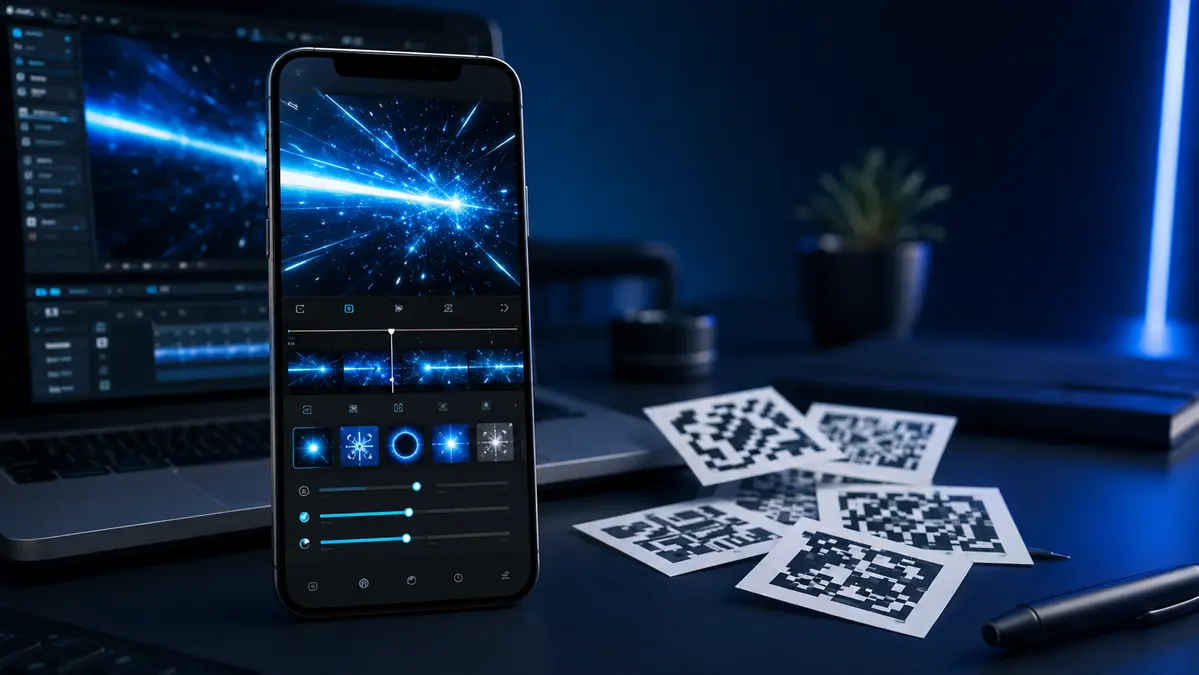
Searches for Star Wars Movie FX QR codes usually come from people who want to make short science-fiction-style edits on a phone. The search wording can be confusing because it may refer to two different things: a QR preset that changes settings in a video editor, or a claimed promo code that supposedly unlocks paid effects. These are not the same.
This guide explains the difference, how QR presets are normally used in Video Star-style editing, and how to avoid misleading “code” pages. It does not list unverified redeem codes or offer ways to bypass paid features. That is important because an untested code list can waste time, lead to unsafe downloads, or encourage users to share personal information.
Quick answer
A Video Star QR code is generally a shareable preset. When scanned inside the right editing app, it can import saved effect settings such as colors, timing, layers, or motion adjustments. It is not automatically a universal reward code. Treat pages promising unlimited premium effects, credits, or exclusive unlocks with caution.
What people usually mean by the search term
The term can point to three separate ideas. Knowing which one applies helps you find the right answer instead of scanning random images from search results.
| Term | What it normally means | What to expect |
|---|---|---|
| QR preset | A saved group of editor settings shared as a scannable image | It may import a look or effect if the right app and required tools are available. |
| Promo or redeem code | A text code issued by an app developer for a stated promotion | It should come from an official app page, store listing, or verified social channel. |
| Effect pack | A collection of overlays, sounds, clips, or settings | It may be free, paid, or linked to a separate editing app. |
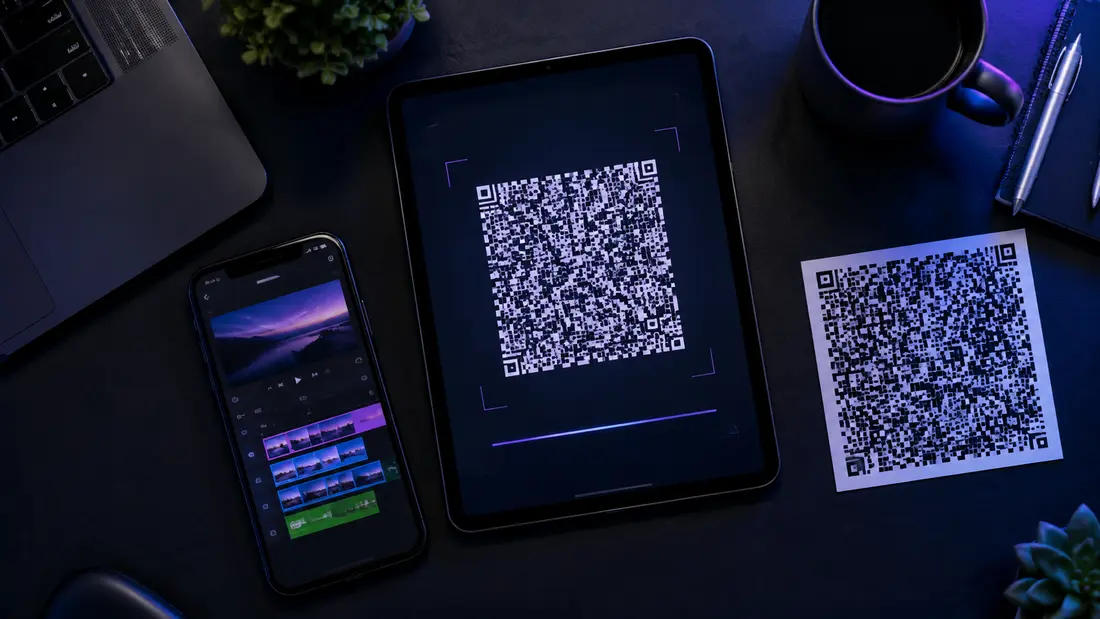
In Video Star, QR codes are commonly used to share presets. A creator can build an effect, export the setting as a QR image, and allow another editor to scan it inside the app. The scan saves time because the recipient does not need to rebuild every setting manually. It does not mean that the code grants ownership of a film franchise, guarantees a premium feature, or works in every app.
Why the wording causes confusion
Some pages go further and publish strings such as “SABER2026” or “FREECREDITS” as if they are proven rewards. Unless the original app developer has published the promotion, there is no reliable reason to assume those strings work. A code can be expired, invented, specific to an old version, or designed to send people to an advertising page. Do not enter account details, pay a “verification fee,” or download a modified app to test one.
How QR presets work in video-editing apps
A QR preset stores effect instructions rather than a finished video. Depending on the editor, those instructions may include a color grade, blend mode, speed change, shake pattern, glow, blur, mask, or timing values. The original video remains yours. The imported settings simply tell the app how to process the selected clip.
- Open the same editing app that supports the shared preset.
- Find its QR import or scan option. The wording and location can change between versions.
- Scan the entire code from a trusted source or open the saved image from your photo library.
- Read the import preview before applying it. Check whether it needs paid tools, extra layers, or a specific aspect ratio.
- Apply it to a short test clip first, then adjust the timing, color, and intensity for your own footage.
If the app displays an error, the preset may be incompatible with your version, incomplete, or made with tools you do not own. That does not mean you need an APK, a “code generator,” or a different account. Start with the app’s current help material and recreate the look with basic settings if the import is not available.
Safe places to look for presets
For a legitimate preset, begin with the app’s official pages, in-app community spaces, or creators who show the exact editing steps along with their QR image. A transparent tutorial is more useful than a post that only promises “secret unlocks.” It lets you see what the preset is intended to do and whether it fits your app version.
When you find a creator post, check the date, comments, and required tools. Some preset formats are tied to specific releases. A code made years ago may still scan, but it can produce a different result after app updates. The same principle applies when reading any community-made guide. For example, a useful game guide should be checked against the newest official update before you treat a listed setting as current.
- Use official app support pages and verified app-store listings first.
- Choose tutorials that show the effect and explain the steps.
- Save the original QR image instead of taking a blurry screenshot.
- Read the creator’s notes about required packs or paid features.
- Keep a copy of your project before testing a new preset.
What to avoid
Do not treat every square code image as safe. A QR image can open a web address rather than import a preset. If you scan with your phone camera instead of from inside the editor, read the destination before opening it. Leave any page that asks for a login, payment card, device profile, or download that is unrelated to the editor you intended to use.
Avoid modified application packages, “unlimited credits” tools, password-protected download archives, and websites that say you must complete surveys to unlock an effect. These methods can expose a device to malware, unwanted subscriptions, or account loss. They can also violate an app’s terms. The safest route is a legitimate editor, original footage, and effects you have permission to use.
Readers should use the same cautious approach with any online tool or community website. Our privacy guide explains why using trusted sources and limiting unnecessary data sharing matters when browsing third-party services.
Making an action-style edit without unverified codes
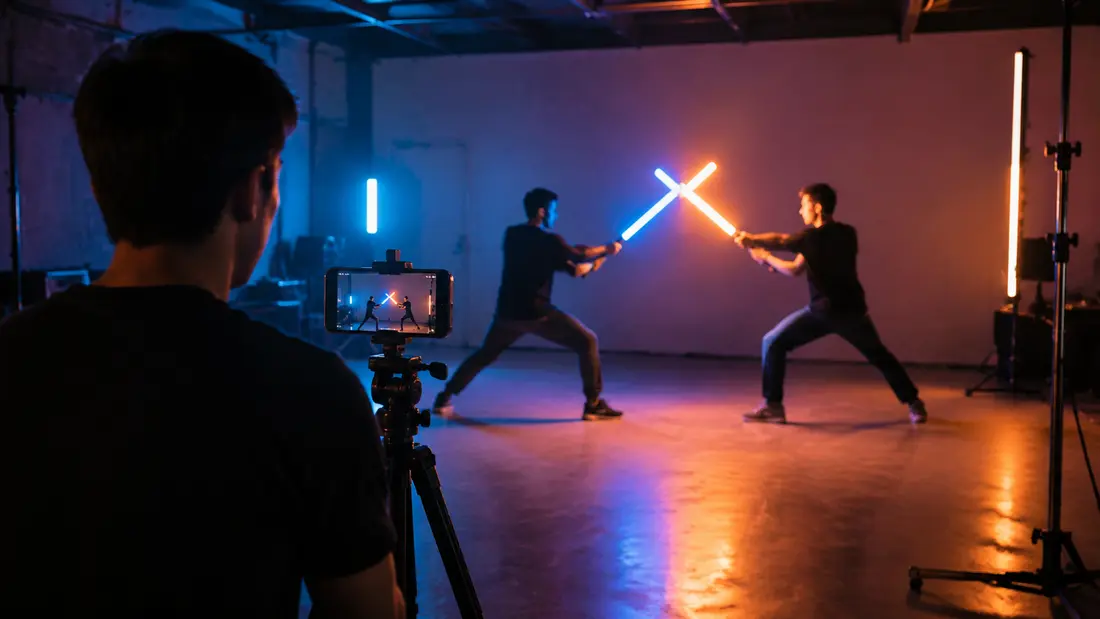
You can create a convincing action movie FX look with ordinary editing features. Film a clean clip first, then add one or two effects that support the movement. Many beginners add too many filters, which can hide the subject and make the result hard to watch. Start with a clear action, a stable phone, and simple lighting.
| Editing step | Simple approach | Why it helps |
|---|---|---|
| Planning | Decide where the action begins and ends before recording. | Short clips are easier to trim and track. |
| Filming | Use a tripod or rest the phone on a stable surface. | Stable footage makes overlays and motion effects easier to place. |
| Light | Keep the performer visible and avoid a bright light directly behind them. | The editor can preserve detail around the subject. |
| Effects | Add glow, sound, shake, or a light burst one at a time. | You can see what each adjustment changes. |
| Export | Watch the complete video before sharing. | It helps you catch timing issues and accidental overlays. |
A practical workflow for your first clip
Record a five- to ten-second practice scene. Make sure the actor moves within the frame and leaves a small pause before and after the main motion. Trim the clip, add a basic glow or color adjustment, and then add a sound effect you are allowed to use. If you import a preset, lower its intensity first. Presets are built for someone else’s footage and may need changes to suit yours.
Frequently asked questions
Are there confirmed current redemption codes?
I could not verify a current official list of active Star Wars Movie FX Maker codes from an official developer source. Treat third-party lists as unverified unless they link directly to an official promotion and show its dates and conditions.
Can any QR code work in Video Star?
No. A preset must be made for a compatible feature and version of the app. It may also rely on paid tools or assets that are not included with the code.
Is it safe to scan a code from social media?
It can be safe when scanned inside the relevant editor from a creator you trust, but do not scan unfamiliar images with your general camera app without checking the web address that appears. Never install software just to make a code work.
Can I share an edited fan video?
You should follow the platform’s rules and respect copyright, music, trademark, and community policies. Use original footage where possible and do not present a fan edit as an official release.
Final takeaway
Star Wars Movie FX QR codes are most useful when understood as possible editing presets, not guaranteed reward keys. Look for transparent tutorials, use the scan feature inside the correct app, and test every preset on a copy of your project. Avoid modified apps and claims of unlimited unlocks. A well-planned clip, careful edits, and safe sources will produce a better result than a random code list.
Editorial note: This guide covers general QR-preset and mobile-editing practices as of August 2026. App features, supported import formats, and official promotions can change.


How to Choose an Ergonomic Office Chair for Women That Actually Fits

Top Movies and TV Shows in the US: JustWatch September 2026 Streaming Charts

5 Best Indoor Air Quality & Mold Companies in Houston (2026)

The Spreadsheet Habit That Quietly Breaks Business Dashboards as Teams Scale

The White Lotus Season 4 in France: Filming Locations, Cast, Plot and 2027 Release Date
-

 Celebrity1 month ago
Eileen Gu: Age, Parents, 2026 Olympics, Modeling Career, Height and Personal Life
-

 Tech1 month ago
18Moa – Website Directories, Online Discovery, and Safer Browsing
-

 Animals1 month ago
Understanding the American XL Bully Ban in the UK: Rules and Changes in 2026
-
 Entertainment2 months ago
Flujo TV: What it is, How It Works, Features, Devices, and Safety